Steps to Access API Documentation from the Master Portal/ Rebranded Portal
Access to the API Documentation portal is managed through the Master Portal. You will be automatically logged in once you navigate here from the Master Portal — no separate login required.
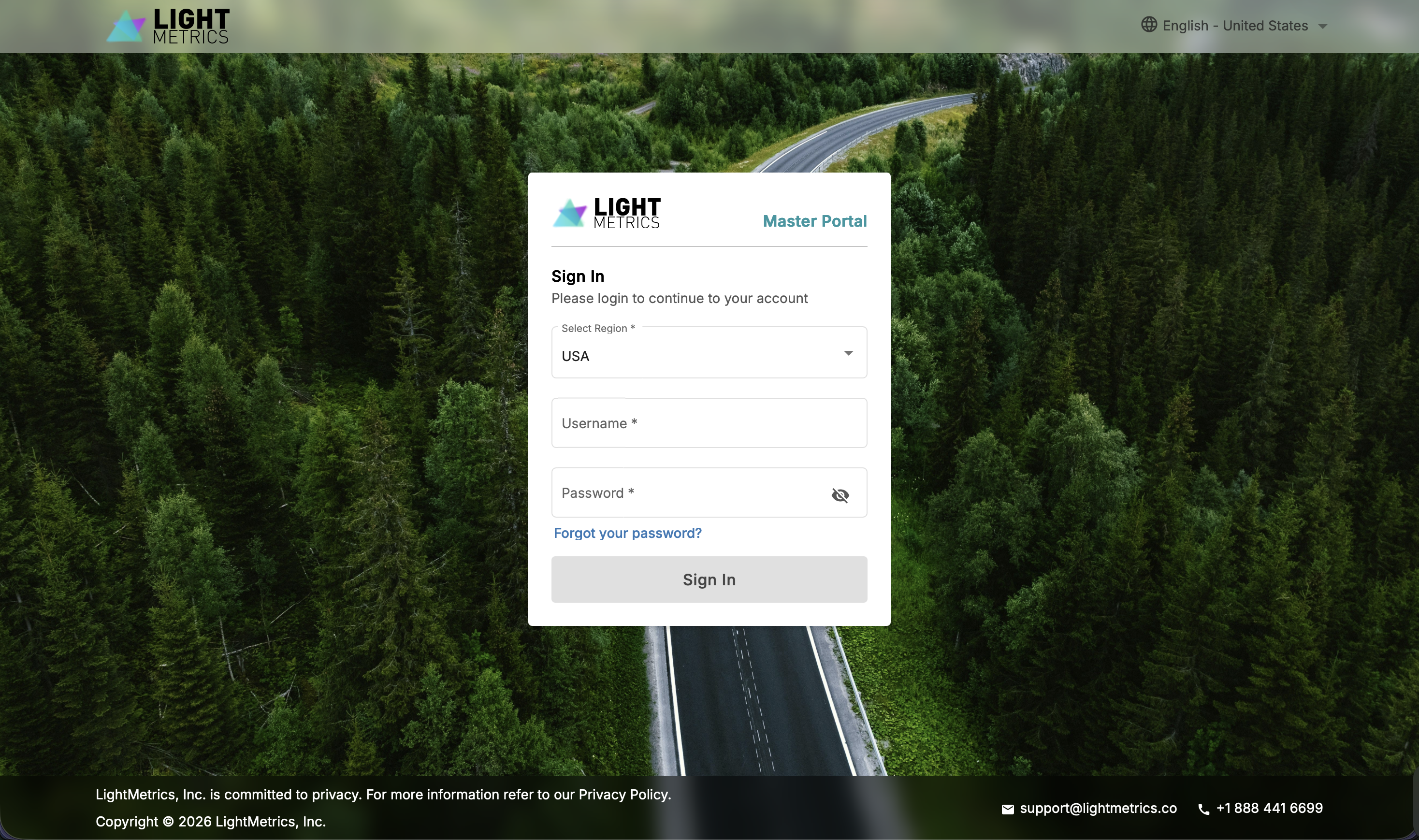
- Log in to the Master Portal
- In the navigation, click the API DOCS button.
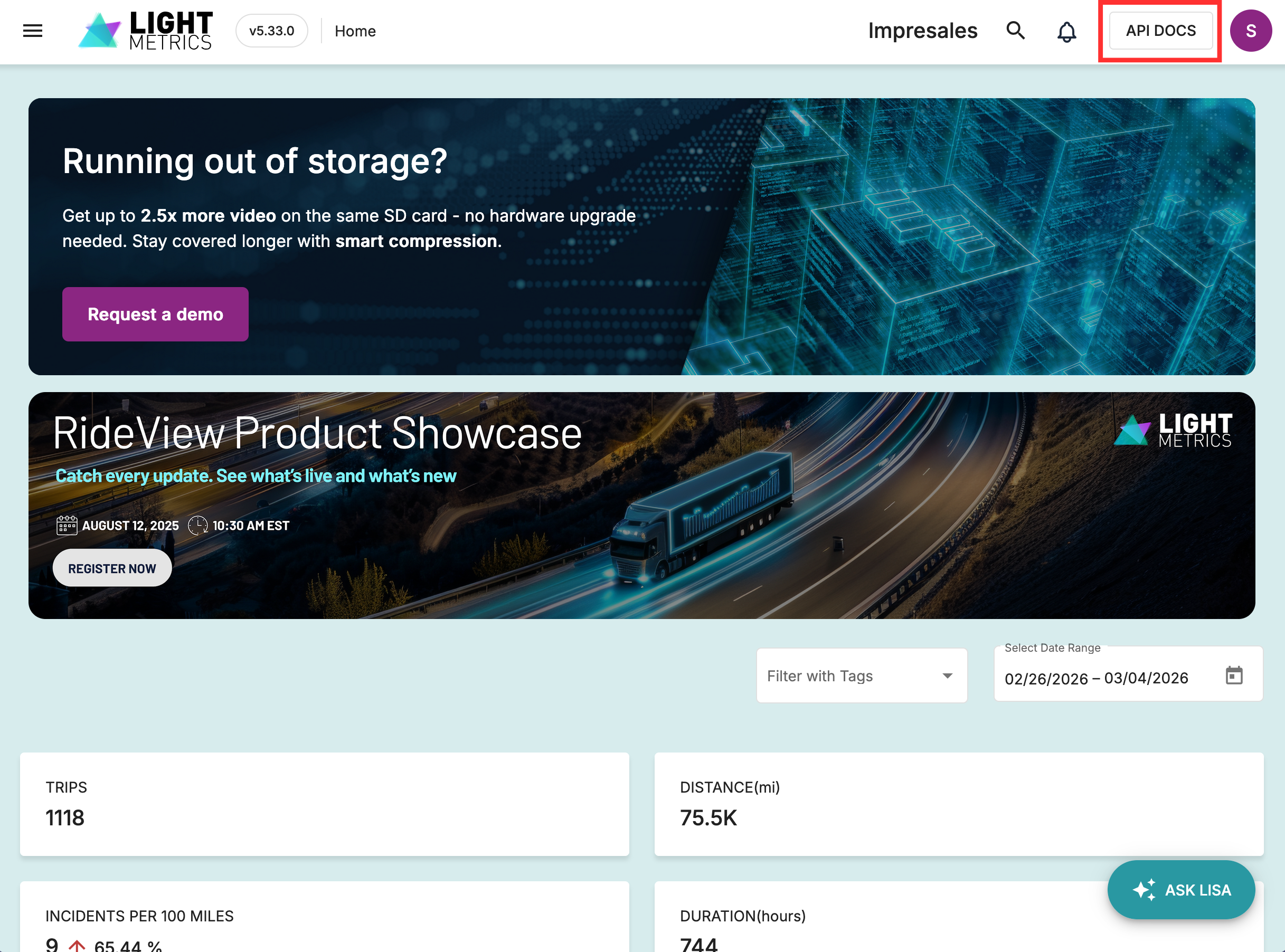
- You will be automatically authenticated and redirected to the API Documentation portal.
Required Permissions
To see the API DOCS button in the Master Portal, your account must have the API Access permission role. If you don't see the button, contact your account administrator to request access.